DoberMoney · iPhone
Import bank statements on iPhone
Move from a bank statement to reviewed transactions without entering every row by hand.
Prepare a statement for the period you need
Export a statement from your bank and choose the file in DoberMoney. Begin with a period you can easily check against the original document. Import works with a statement you provide; it does not connect to your bank account or continuously synchronize new bank transactions in the background.
Understand what happens during processing
Sign in and review the separate consent for processing statements before starting an import. The information needed for AI processing is sent through DoberMoney servers to an external AI provider. Import is an optional feature: you can continue recording transactions manually if you do not want to use it.
Check the result before saving
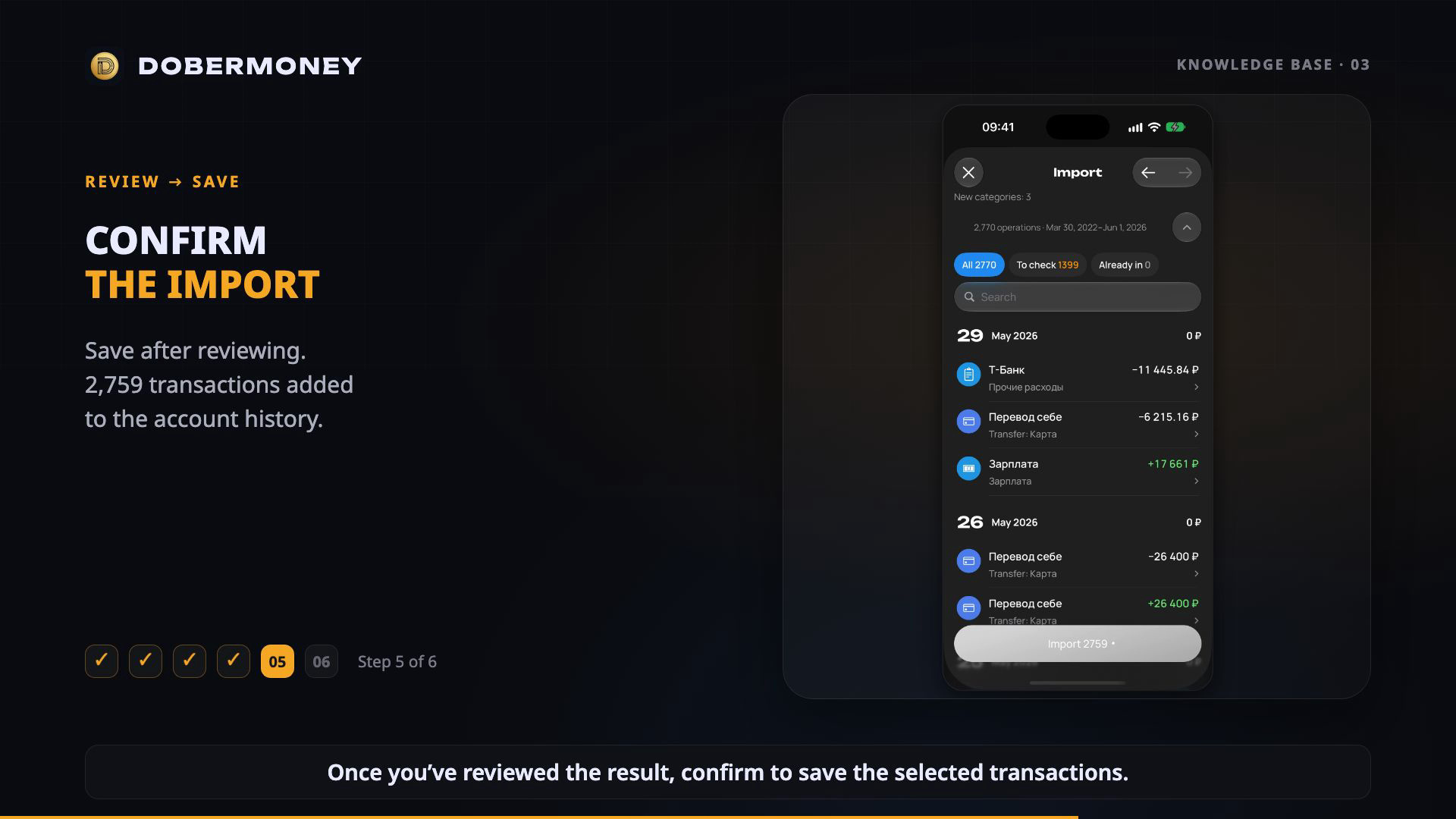
The import screen shows recognized transactions for review. Check dates, amounts, currencies and the accounts and categories assigned to them. Pay attention to entries marked for review and possible duplicates, particularly when statement periods overlap. You can change how transactions are assigned or exclude entries you do not want to import.
Save the transactions you have reviewed
Confirm the reviewed result to add the selected transactions to your financial records. Compare the imported period with the original statement to catch omissions or incorrect recognition. Keep the original document until you have checked the result. Import reduces manual entry, but the recognized information still needs your attention.